
Q: Customer is unable to access the door, shows that they are too far away.
- A1: GPS Positioning could be turned off on their phone, make sure this is on. Also make sure Precise Location is enabled.
NOTE: Enabling Precise Location makes sure that the GPS position data is as accurate as possible, not having this enabled makes the GPS guess within a ~3²km area.
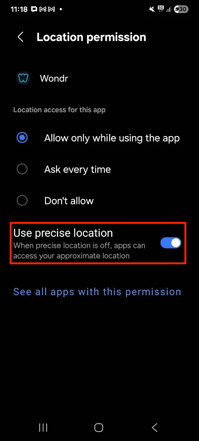
Android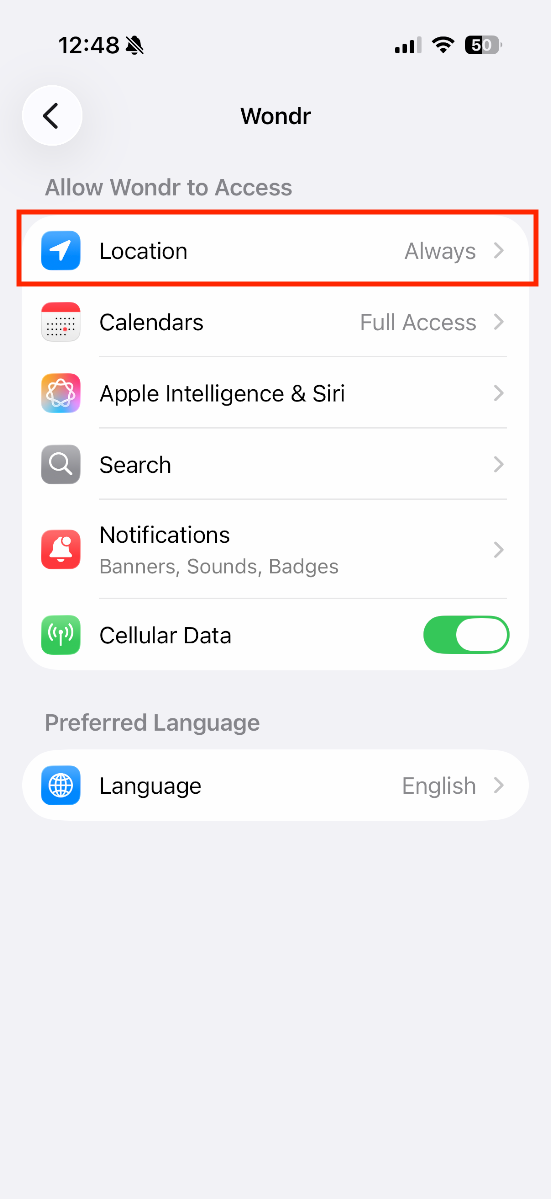 iOS
iOS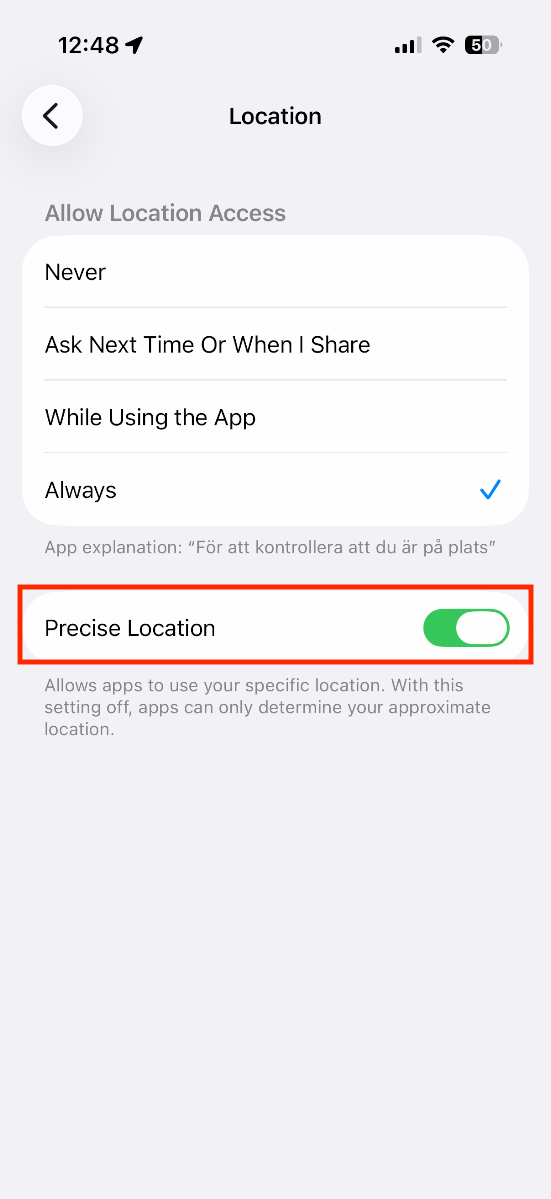
iOS - A2: Make sure the GPS Coordinates in the smart rule that controls door access is accurate. To find exact GPS coordinates, go to Google Maps, find your facility and then Right Click for Coordinates and then Left Click the coordinates to copy.
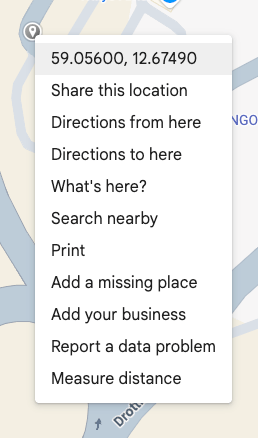
The first number is Latitude, second is Longitude
Example: 59.93112573785979, 10.769115971935463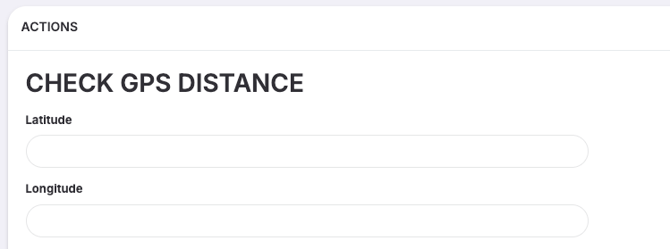
Last edited: 29.04.2026