
To create a hidden location, go to Settings > Booking > Locations.
- Create a new location by clicking Add (the plus sign) in the top right
- Enter the name of the location
- Then check the "Hidden from users" box
- Then click Create
*Please read the article Create a location for more details on how to create a location and Create a booking type type for details about creating booking types.
Then go to Settings > Booking > Types to create a booking type (for example, named Working hours)
Fill in (for example) Working hours in the Name field.
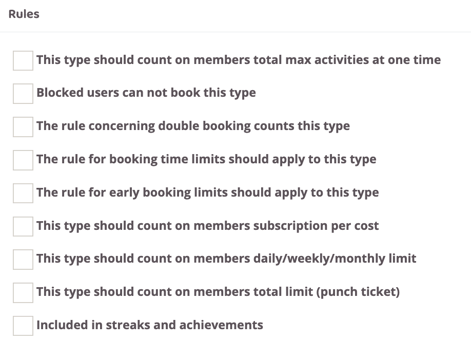
Uncheck all boxes under Rules.
Now there is both a location (Reception) and a booking type (Working hours) to create a schedule for staff working at the reception.
Last edited: 4/7-2025