-
Go to
Settings > Permissions. -
Select the
Report Permissionsoption. -
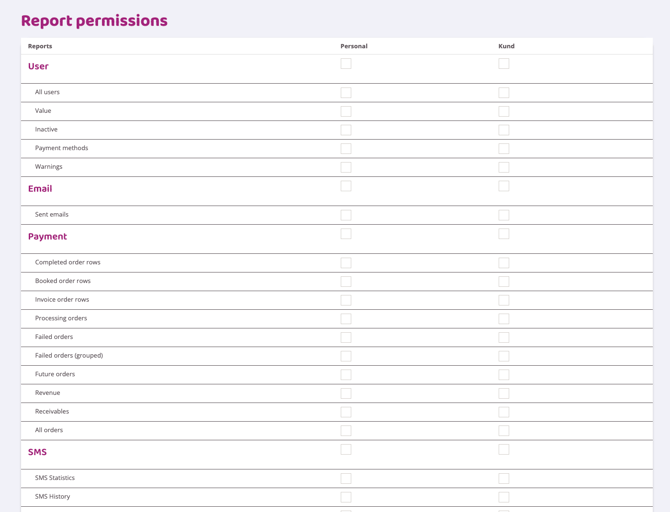
Then click on the reports that the staff role should have access to and save.
Last edited: 6/8-2025

Go to Settings > Permissions.
Select the Report Permissions option.
Then click on the reports that the staff role should have access to and save.
Last edited: 6/8-2025