
Customers cannot remove payment cards on their own, this is to avoid falling behind on payments. If they want to remove their payment card from Wondr, a member of staff or an administrator needs to go to the customer's profile.
-
Scroll down to
Payment Methods. -
Press
Statusto remove the existing payment card. -
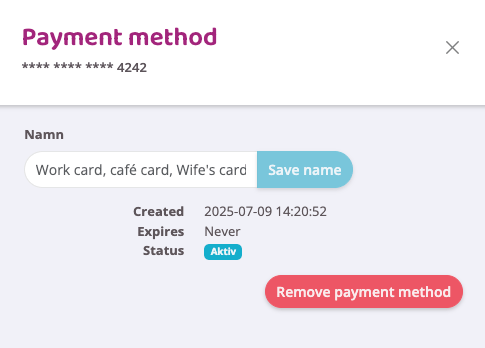
A box with information about the payment card will then appear. Here you will also find the option to
Remove payment method. -
Press that button and the payment card will be removed from the system.
NOTE: The Remove payment method button is only available if there is no activated order being processed issued to the payment card. If the button is not available, all orders issued to the card need to be processed first.
Last edited: 31/7-2025