
To add an instructor, first create a user profile.
-
Go to Users in the admin menu and create a new user profile by tapping the plus icon at the top right
-
Fill in all personal information and then select the role Staff. All profiles with the role Staff will be eligible as instructors in the schedule.
-
Then create the profile and make sure that the instructor receives their login either via a welcome email or enter their own password that the instructor receives from you.
Voila! An instructor has been created and can now be selected for activities in the schedule!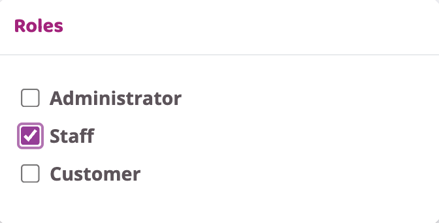
If the instructor you want to add already has an existing user:
- Go to their user profile
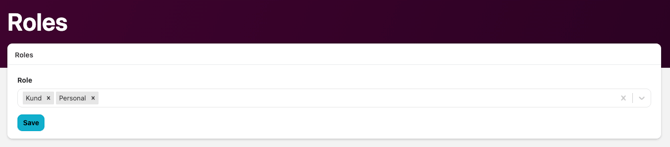
- Click Roles
- Click the drop-down menu and select the relevant role
- Click Save
Last updated 4/7-2025