
Via Users in the admin menu there is a drop-down menu under Filtering.
The list is called "Accepted Terms and Agreements".
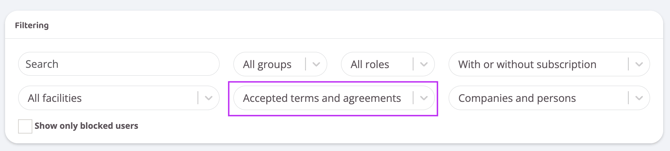
In this list it is possible to filter users based on who has approved (or not approved) various agreements.
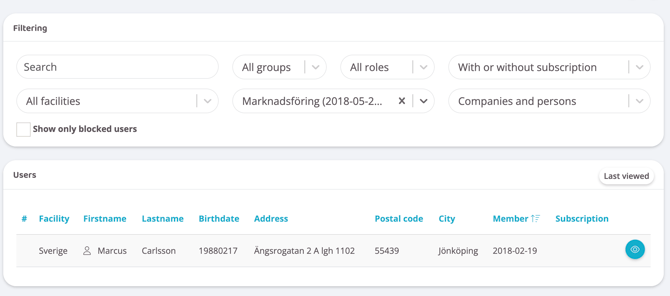
For example, it is easy to see which customers have approved the membership terms and which have not. In the example below, the Marketing agreement (2018-05-23) has been selected, and only those customers who have approved the marketing agreement are displayed.
If you want to see who has NOT been approved, select Marketing (Not Accepted).
The drop-down list contains all versions of all agreements that have been posted in your Wondr.
Last updated: 30/6-2025