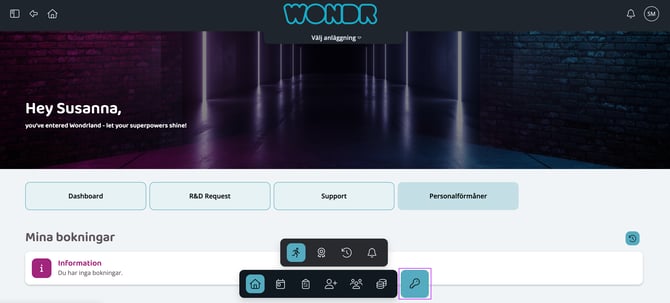
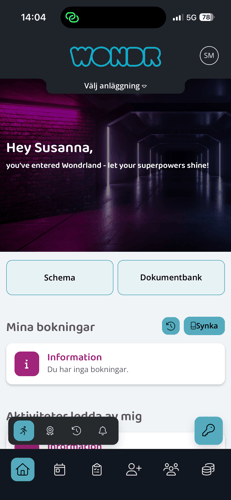
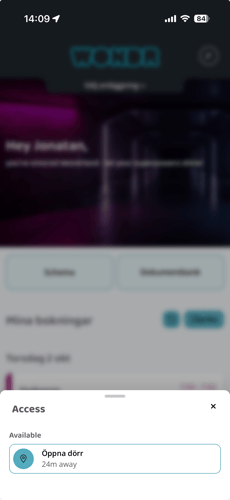
You can now choose to gather all your access keys behind a common Keys button on Wondr Wall, instead of having them scattered around one by one. This way, it becomes clearer where the buttons are and you get a more clear view – both for you and for your members.
If you have multiple doors or facilities, it's even easier: the closest door is always displayed at the top of the list. This means that the right button is always in place first, without you having to search.
If you want to customize the appearance of the keys button, you can easily change the icon for a button via Settings > Wondr Wall.
We've also updated the menu in Wondr Wall on desktop to match the web and mobile, providing a consistent experience no matter what device you're using.
👉 With this update, access in Wondr becomes clearer, smarter and more user-friendly - for you and for your members.